V2RayNG is an open-source Android proxy client based on the V2Ray core. It provides users with a simple and intuitive graphical interface for configuring and managing V2Ray proxy services. Similar applications include Nekobox, V2Box, FlClash, and Shadowrocket.
This app supports multiple proxy protocols such as VMess, VLESS, Shadowsocks, and Trojan. It allows users to quickly add server nodes by scanning QR codes, importing configuration files, or entering details manually. Advanced features like routing rules and per-app proxy settings help users achieve secure network access and traffic management. It is one of the most popular V2Ray clients available for Android devices.
Download v2rayNG #
- Since v2rayNG has been removed from Google Play, there are two alternative download options:
- v2rayng GitHub Download Link
- v2rayng Cloud Drive Download Link
How to Use #
v2rayNG is only a proxy tool — it requires importing servers to work properly.
- There are many providers offering proxy servers online, commonly known as “airports,” which enable internet freedom.
- As an example, let’s use Naiyun Airport — click here to open the Naiyun official website.
- This provider offers over 140 nodes across 40+ countries and regions, and supports smooth access to platforms such as TikTok, ChatGPT, and YouTube.
- Register using your own email address.
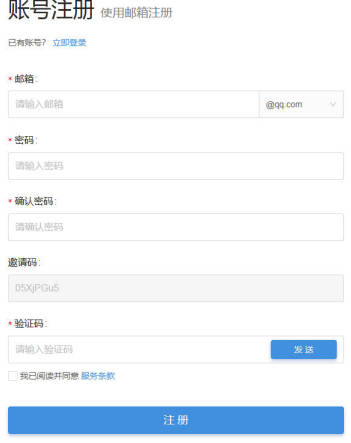
- After registration, log in to the website.
- Then click Purchase Subscription.
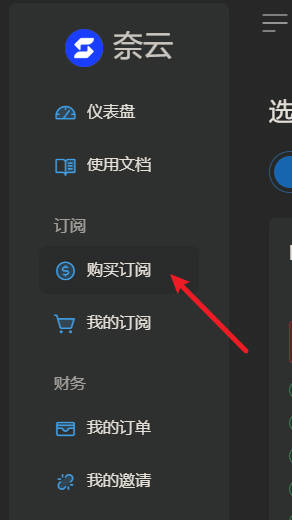
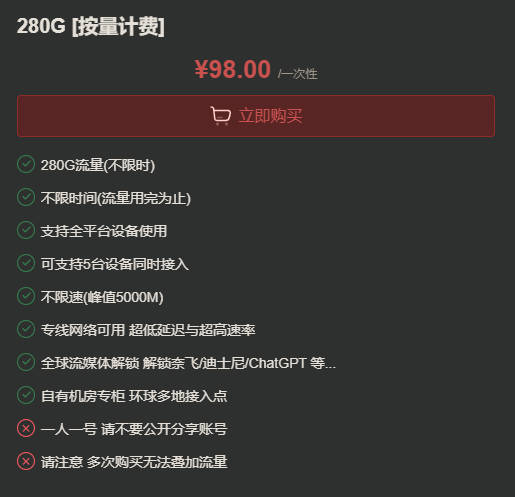
- You’ll see multiple plans available. If you don’t use it heavily, choose a plan without time limits.
- ¥128/year for 168 GB per month.
- ¥98 for 280 GB with no time limit.
- Payment options include WeChat Pay, Alipay, and cryptocurrency.
- For privacy protection, you can choose to pay with USDT.
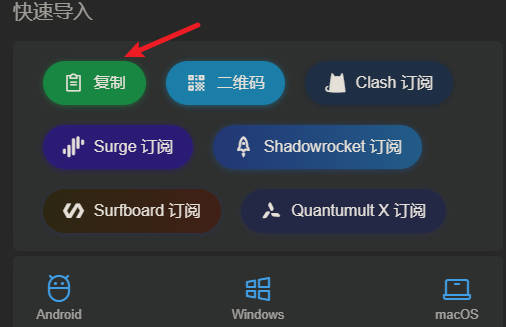
- After successful payment, go to the Dashboard, find Quick Import, and click Copy.
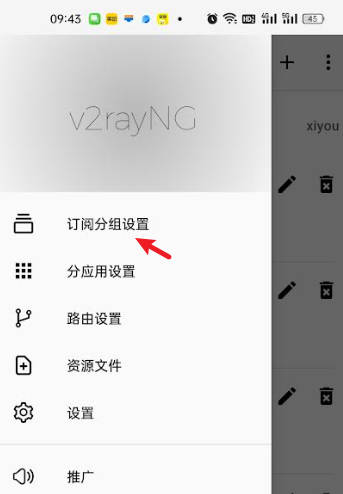
- Open v2rayNG, tap the three lines in the top-left corner, and select Subscription Group Settings.
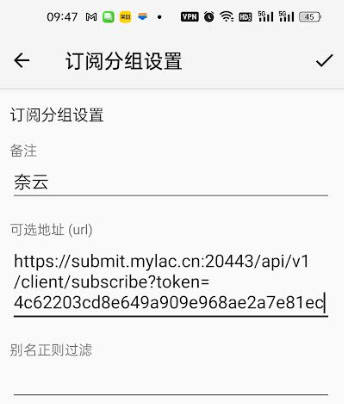
- Tap the plus icon (+) in the top-left corner. Paste the copied URL into the address field, and write “Naiyun” as a note.
- Tap the check mark in the top-left corner to save.
- Return to the main screen, tap the three dots in the top-right corner, and select Update Current Subscription.
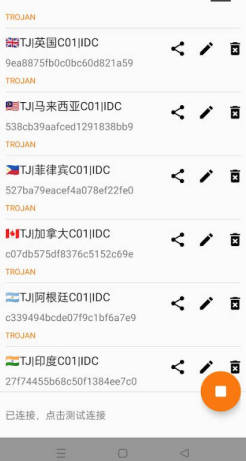
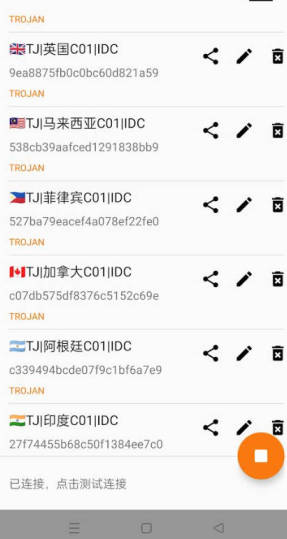
- You’ll see many new nodes appear — around 140 in total, from various countries.
- Tap the triangle button at the bottom-right to connect.
- If your phone asks for permission, tap Allow.
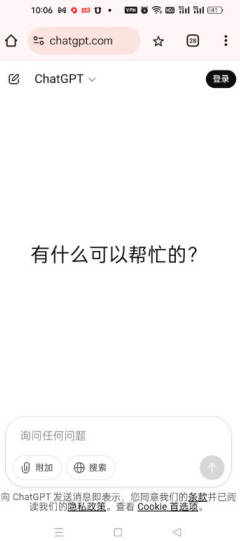
You can now access websites like Google and ChatGPT without issues.
If you have any questions, please contact me via email: leeulen60@gmail.com